The short answer
Choose projects for the audience you want, explain the problem and your contribution, show the decisions with evidence, and make the next step clear. Label concepts honestly and do not invent business results.
- A good fit
- Designers, consultants, developers, and other independent professionals with work or self-initiated projects they can responsibly share.
- Pause if
- The strongest material is confidential or your role cannot be described accurately. Obtain permission or create a clearly labeled alternative before publishing.
1. Decide who the portfolio is meant to persuade
A hiring manager, an agency partner, and a direct client read for different signals. A hiring manager may need to understand your role in a team; a client may need to see whether you can handle their business problem from brief to handoff. Choose a primary audience and write the opening statement for that person.
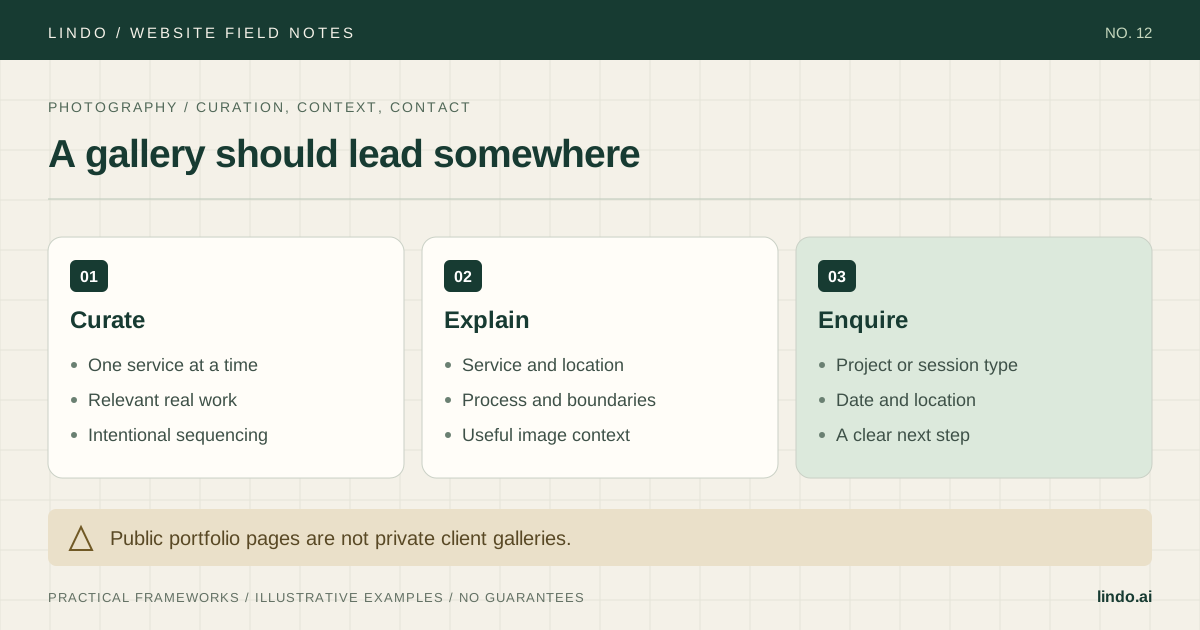
Make your offer or discipline specific. ‘I design clear service websites for independent businesses’ gives a reader more context than ‘creative problem solver.’ If your work spans several disciplines, organize it so the reader can find the relevant one without decoding a collection of unrelated thumbnails.
2. Select work that demonstrates different useful strengths
Start with a small set you can explain well. Each project should earn its place by showing relevant skill, a meaningful constraint, or a different kind of decision. Three nearly identical home pages may demonstrate consistency, but they do not necessarily show how you handle content, integrations, or complex approval.
Create a selection sheet with project, intended audience, your role, evidence available, and permission status. Exclude work you cannot discuss responsibly. If you collaborated, credit others and describe your contribution precisely; ‘we built’ and ‘I designed’ are not interchangeable.
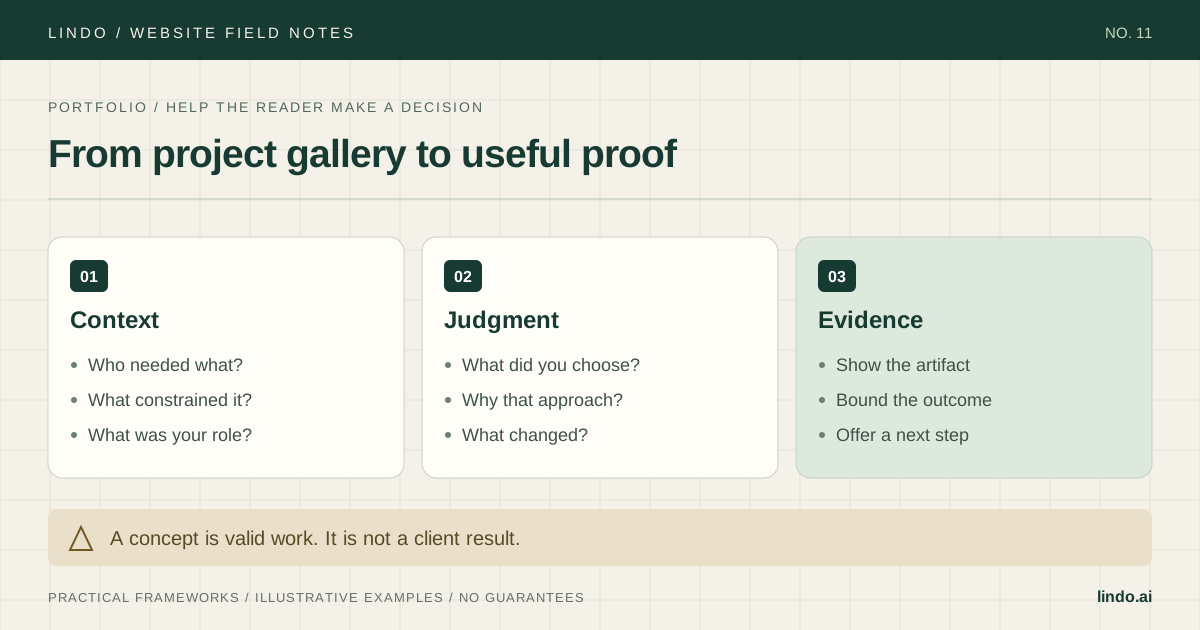
If you are early in your career, use self-initiated work with a real brief and explicit constraints. Label it as a concept or personal project near the title. You can show process and testing without inventing a client, a testimonial, or a percentage improvement.
| Question | Useful answer | Warning sign |
|---|---|---|
| Who is it relevant to? | The buyer or role I want next | Included only because it is recent |
| What did I contribute? | A clear role and specific decisions | Team output presented as solo work |
| What can I show? | Approved artifacts and credible context | Confidential details or invented metrics |
| What does it add? | A distinct skill or constraint | Another screenshot with no explanation |
3. Write a case study around decisions, not a diary
Open with the project’s purpose, your role, and its status. Then describe the constraint that made the work interesting. Select two or three decisions that explain your judgment, supported by relevant artifacts. A long chronological list of every meeting and tool used is rarely the clearest story.
For a hypothetical self-initiated consultant website, the problem might be a vague service explanation. Show the original content assumption, the revised page structure, and a test of whether the next action is understandable. If there is no live business data, say so. You can report what you built and checked, but not that it increased sales.
Close with what is known, what is not known, and what you would improve. If you use a measured result from real work, state the period, source, and your role in the change. Avoid implying that your contribution alone caused a business outcome with many influences.
Title: [project] — [specific problem addressed]
Status: client work / personal project / concept
Context: who needed what, and why it mattered
My role: responsibilities, collaborators, and boundaries
Constraint: content, time, technology, or approval limitation
Decision 1: option chosen, alternative rejected, and why
Evidence: approved artifact with a caption explaining what to notice
Decision 2: another consequential choice and its tradeoff
Outcome: what was delivered or measured, source, period, and limitations
Reflection: what remains unresolved or would change next time
Next step: link to a relevant service or contact brief
4. Make the visuals explain the work
Use images at the point where they support a claim. If you describe a navigation decision, show the relevant navigation rather than a distant laptop mockup. Add a caption telling the reader what changed and why it matters. Avoid hiding all details inside an image that becomes unreadable on a phone.
Choose a consistent presentation scale so readers can compare projects, but preserve enough detail to inspect the work. Provide text equivalents for important information in screenshots. Use image alternatives based on purpose, and avoid repeating a long caption verbatim in every alt attribute.
Prepare web-sized assets and inspect the actual page on mobile and a slower connection. Keep full-resolution originals in your archive rather than loading them all into a gallery. Confirm permissions and remove private data from screenshots before export.
Primary documentation: W3C: choosing image alternatives · web.dev: images for the web
5. Build a short path from relevant work to contact
A practical structure is a home page with a clear positioning statement and selected work, dedicated case-study pages, an about or approach page, and contact. If you offer services, explain them separately enough that a buyer can understand what hiring you involves. Do not require the reader to infer the offer from the project images.
Give each case study a link to the most relevant next step. A project about service websites can point to that service, while a hiring-focused portfolio might point to availability and a résumé. Keep the action label specific and the contact form short enough to complete without writing a full project brief on the first visit.
Explain what information is useful: project type, rough timing, and a way to respond. Do not request private budgets, documents, or sensitive business data unless you actually need them and can handle them responsibly.
6. Review credibility as carefully as layout
Ask someone in the intended audience to read a case study and explain what you did, what was difficult, and what they would hire you for. Their answer is a useful test of clarity, not a conversion-rate study. If they cannot identify your role, rewrite the introduction before adding more projects.
Check mobile reading order, keyboard navigation, image loading, external links, and contact delivery. Review every name, metric, quote, and client logo against its permission record. Remove stale availability claims and mark archived projects appropriately.
After publication, revisit the portfolio when your offer changes or stronger evidence becomes available. A smaller current collection is preferable to an expanding archive that obscures your best fit.
Take it into the project
Portfolio selection and case-study worksheet
Copy this into your project brief, assign an owner to each item, and attach evidence before marking it complete. No email required.
- Primary audience and desired next opportunity are clear.
- Selected projects each demonstrate a relevant strength.
- Role, collaborators, project status, and permissions are accurate.
- Case studies explain consequential decisions with evidence.
- Results state sources and limits; concepts do not claim client outcomes.
- Visuals remain useful on mobile and have appropriate text context.
- Relevant services and a tested contact path are easy to find.
Includes a project-selection matrix, annotated case-study outline, evidence register, and publishing review.
Common questions
How many projects should I include?
Include enough relevant work to demonstrate your judgment without burying it. There is no fixed number. A few complete, well-explained projects can be stronger than a large unexplained gallery.
What if I have no client results?
Explain the problem, decisions, delivered artifacts, and tests you actually ran. Label personal or concept work clearly. Do not manufacture business metrics to make the project appear more credible.
Can I show confidential work?
Only within the permissions you have. Ask for approval, use an authorized redacted version, or describe a permitted high-level process. A password on a page is not a substitute for permission.