The short answer
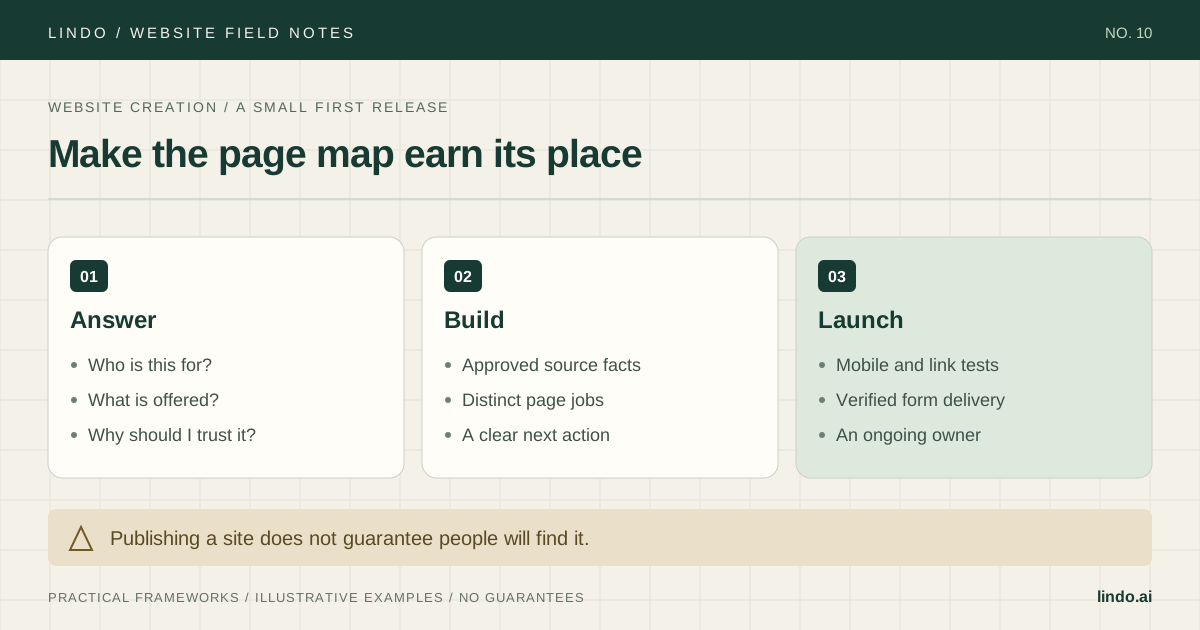
Define one primary visitor and action, map distinct questions to pages, collect approved source material, build a small first release, and verify the live site before announcing it.
- A good fit
- A first business, personal, or project website with a clear purpose and a manageable set of pages.
- Pause if
- The project depends on custom application logic, private accounts, or payments you have not validated. Test the critical requirement before choosing a builder.
1. Write a brief that makes design decisions easier
Name the person you want to help, the situation they are in, and the action the site should support. For a hypothetical independent consultant, the visitor may be an operations lead comparing help with a process redesign. The next action is a qualified enquiry, not an immediate online purchase.
Write what that visitor must understand before contacting you: the problem you work on, the scope, how an engagement starts, evidence of your approach, and any fit limits. This gives you a content brief and a way to reject unnecessary features. A site can look polished and still fail if none of those questions are answered.
Primary visitor and situation:
Their main question:
What we offer, and what we do not:
Evidence we can publish:
Primary next action:
Information needed to take that action:
Approved facts, images, and contact details:
Pages needed for distinct questions:
Critical technical requirement to test:
Content approver and post-launch owner:
2. Give every page a distinct job
For the consultant, a home page can establish the offer and direct visitors to a service page. The service page explains scope and process. An about page supports credibility with relevant background. A contact page explains what to send and what happens next. A case study is useful when there is approved work to show; do not invent one to fill a navigation slot.
A one-page site can work when those answers are short and closely related. Add separate pages when they serve a distinct question or need enough detail to stand alone. Avoid separate pages that repeat the same text with minor wording changes.
| Page | Visitor question | Evidence / next step |
|---|---|---|
| Home | Is this relevant to my problem? | Plain offer; link to the service |
| Service | What would working together involve? | Scope, process, limits; enquiry link |
| About | Who will do the work? | Approved background and approach |
| Contact | How do I start a conversation? | Required details and response expectations |
3. Choose a platform by testing the hardest requirement
List must-haves before comparing visual themes: editing needs, domain use, forms, integrations, content structure, and handoff. A visual or AI builder may suit a marketing site you want to edit without coding. A CMS or custom build may be more appropriate when the content model or application requirements demand it. No tool choice removes the need to verify the actual workflow.
Build a small test around the requirement most likely to fail. If a booking provider is essential, test its supported connection. If several people will edit, test their roles. Check current plan limits, ongoing cost, and the practical exit path before committing to a full build.
| Requirement | Test | Decision evidence |
|---|---|---|
| Routine editing | Change text, image, and navigation | The intended owner can complete the task |
| Enquiries | Submit and confirm delivery | Recipient and error behavior are correct |
| Integration | Run the actual supported workflow | Required behavior works without assumptions |
| Ownership | Review domain, access, and export options | The future owner accepts the limits |
4. Draft from facts and approved media
Collect service details, names, locations, contact information, proof, and images before writing. Put a source or owner beside facts that can change. A simple source sheet is enough: fact, source, approver, and last checked date. Missing material should remain a review task, not become invented copy.
Write the opening answer in plain language. ‘Operations consulting for small service teams’ is more informative than ‘Transforming tomorrow together.’ Follow it with the specific work, fit, process, evidence, and next step. Use AI to organize or draft from supplied material if helpful, then review the result against the source sheet.
Use approved images for a reason: show the work, explain a process, or identify the people. Choose image alternatives based on their purpose; decorative images do not need redundant descriptive text. Check important crops at mobile widths.
Primary documentation: W3C: choosing image alternatives
5. Build the shared pattern, then finish the pages
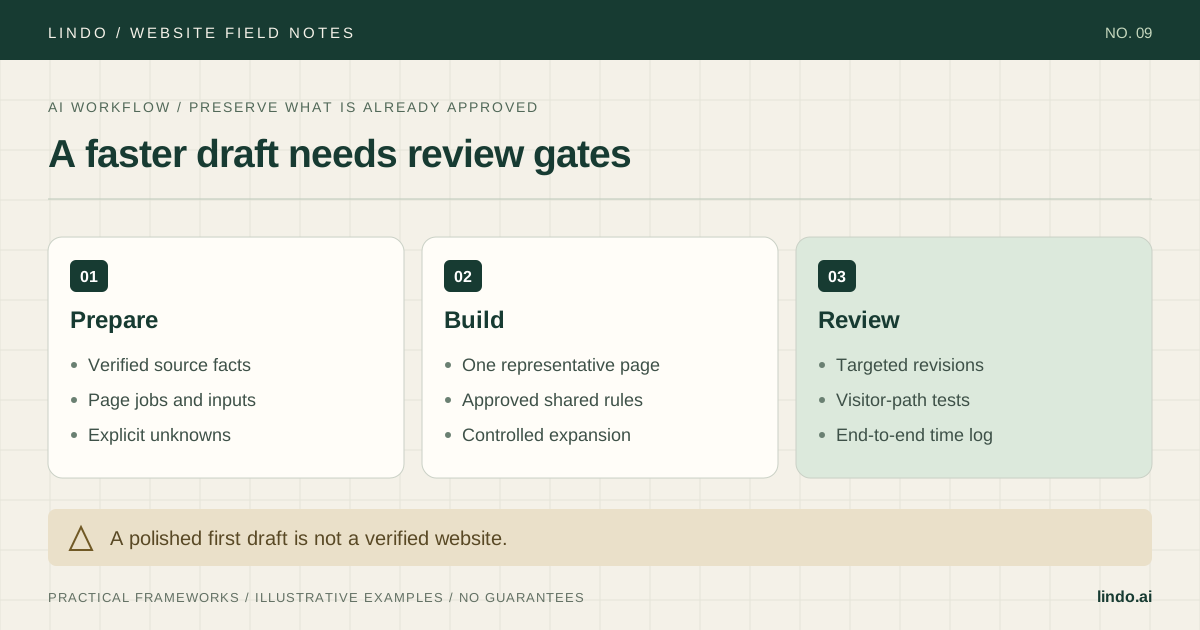
Start with navigation, typography, spacing, buttons, and one representative page. Confirm that headings are readable, links are recognizable, and the page’s main action is easy to find. Reuse the approved pattern across the site, while keeping each page’s content specific to its job.
Test with real-length content and actual images. A template can look balanced with two lines of sample copy and break when the real service name wraps to four. Review narrow screens early, not only after the desktop site is finished. Keep animation optional and avoid hiding essential information behind an interaction that is hard to use.
6. Launch with a test record and an ongoing owner
Before publishing, follow every important link and test the contact path with authorization. Try a valid form submission and an invalid one, then verify delivery. Forms need clear labels and usable feedback; a successful visual design is not proof that the interaction works for everyone.
Check that page titles and descriptions accurately identify each page, canonical URLs point where intended, and public pages are not accidentally blocked from indexing. Verify the sitemap if your platform provides one. These checks support discovery; they do not guarantee indexing or traffic.
Connect the domain using the current provider instructions, preserving unrelated services such as email. Inspect the final HTTPS pages and run the enquiry test again on the live domain. Record who owns domain renewal, platform billing, content updates, and incident reporting. Announce the site only after the critical path works.
Primary documentation: W3C: accessible forms
Take it into the project
Website brief and launch checklist
Copy this into your project brief, assign an owner to each item, and attach evidence before marking it complete. No email required.
- One primary visitor and next action are defined.
- Each page answers a distinct question.
- The hardest technical requirement has been tested.
- Facts, images, and proof are approved; placeholders are removed.
- Mobile layout, keyboard use, links, and form feedback are checked.
- Enquiries reach the correct recipient on the live domain.
- Metadata, public indexability, and sitemap are reviewed.
- Renewal, content, and support ownership are documented.
Includes a page map, source-fact register, platform test, live-launch checks, and ownership handoff.
Common questions
Do I need a multi-page website?
Not always. A focused one-page site can work for a small offer. Add pages when a topic has a distinct purpose or needs enough detail to stand alone, not simply to make the site look larger.
Can I make a website without coding?
Yes, for suitable projects using a visual or AI builder. You still need to supply accurate content, verify the required functions, test the visitor journey, and understand the tool’s limits.
Will my new website appear in search immediately?
Publication does not guarantee crawling, indexing, or rankings. Make the pages useful and accessible, check the technical discovery settings, and monitor the relevant property after launch.